Recruitment (Talent Acquisition)
The Recruitment module provides a complete hiring pipeline — from job requisitions through offers and onboarding. It includes AI-powered features for job description generation, resume screening, and interview preparation.
Required Plan: Pro or Premium
Dashboard
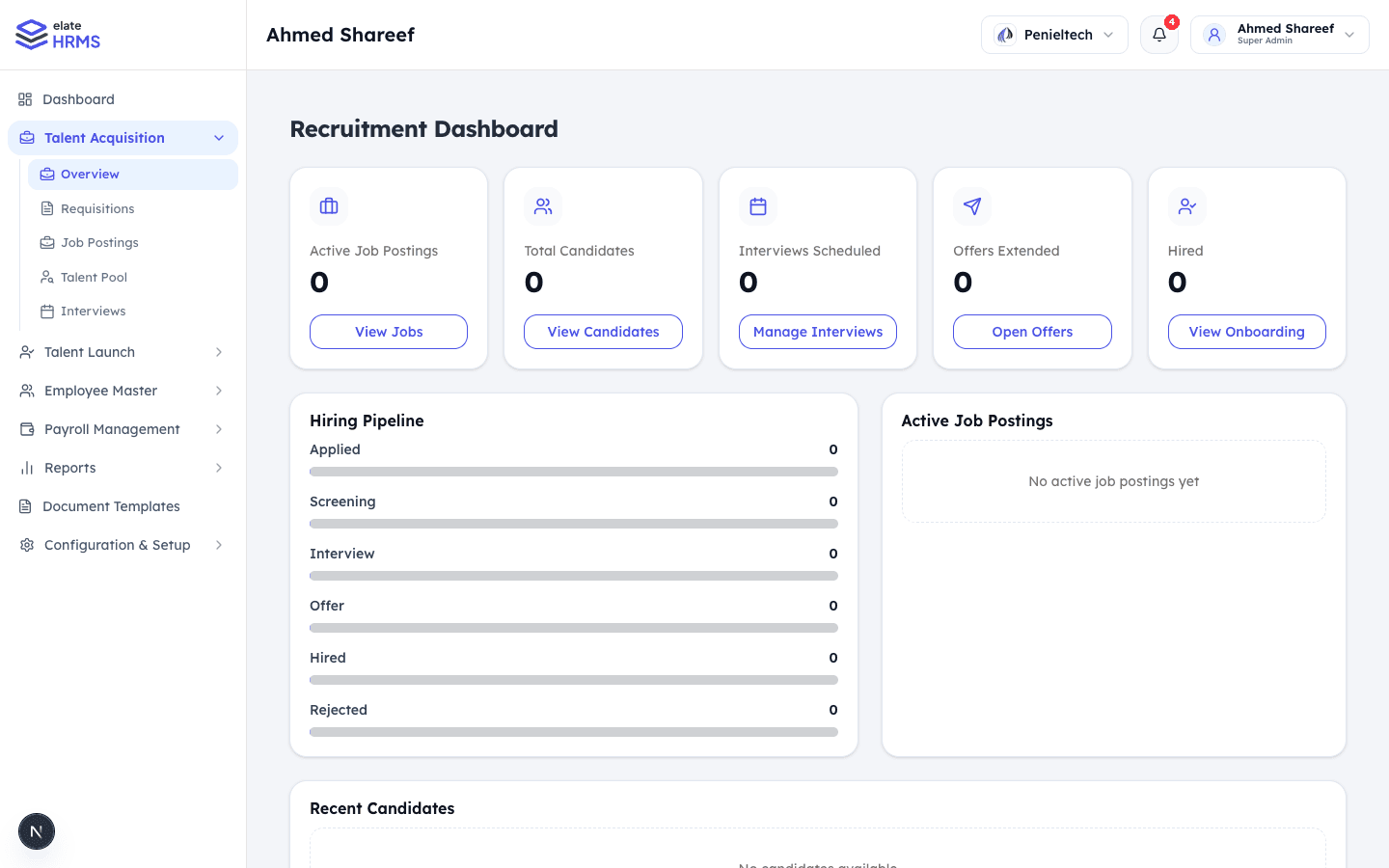
The Recruitment Dashboard gives an overview of your hiring activity:
- Active Job Postings — Currently published positions
- Total Candidates — All candidates in the pipeline
- Interviews Scheduled — Upcoming interviews
- Offers Extended — Pending offer responses
- Hired — Accepted candidates
Hiring Pipeline
Visual breakdown of candidates across stages:
- Applied → Screening → Interview → Offer → Hired → Rejected
Active Job Postings
List of currently open positions with application counts.
Recent Candidates
Latest candidates added to the system.
Recruitment Workflow
1. Job Requisitions
Start the hiring process with a requisition:
- Go to Talent Acquisition → Requisitions
- Click Create Requisition
- Fill in job details:
- Job title and department
- Number of positions
- Required experience and qualifications
- Budget/salary range
- Submit for approval
2. Job Postings
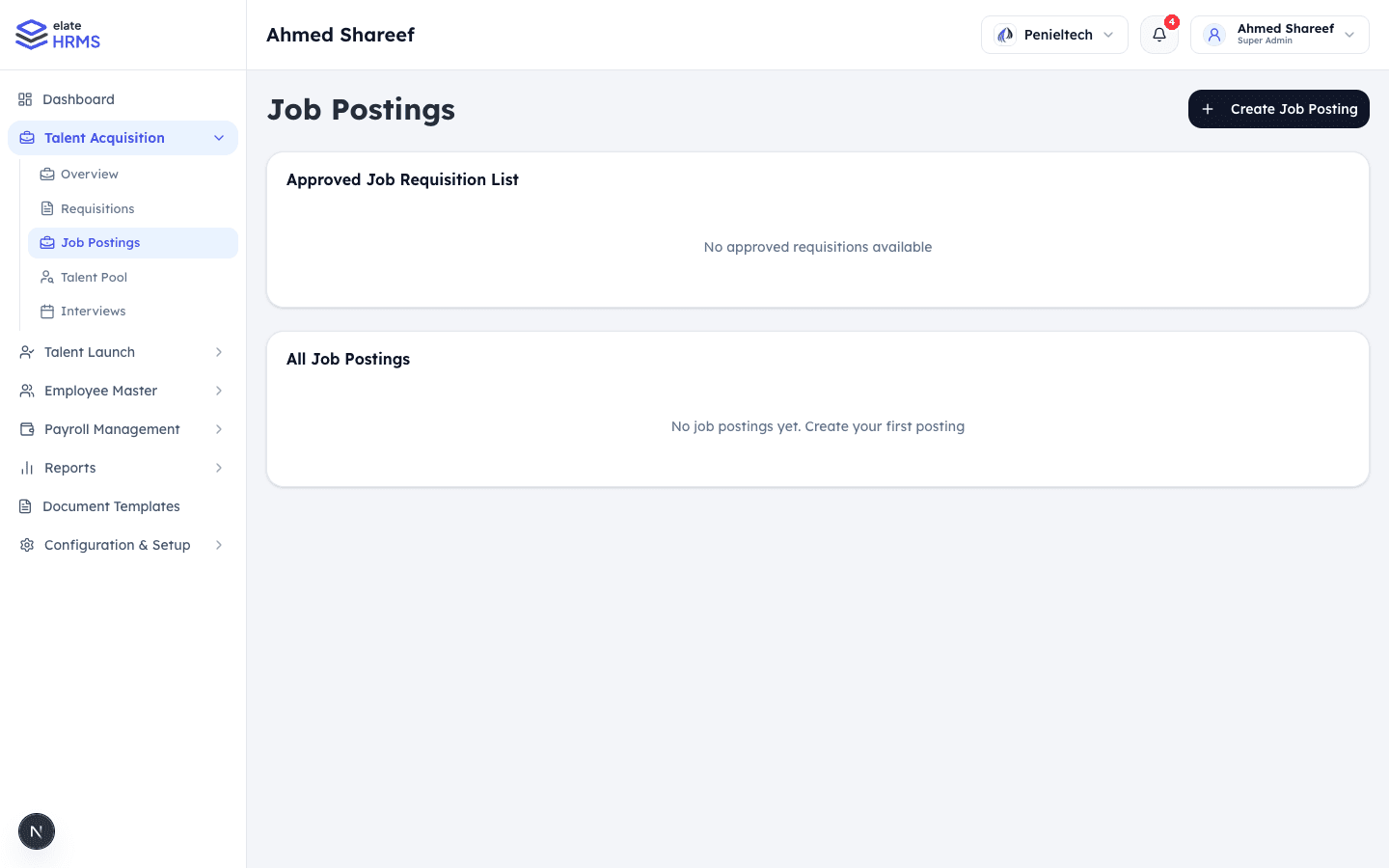
Once a requisition is approved, create a public job posting:
- Go to Talent Acquisition → Job Postings
- Click Create Job Posting
- Select from approved requisitions
- Add job description (AI-assisted generation available)
- Publish the posting
3. Candidate Management
Track candidates through the hiring pipeline:
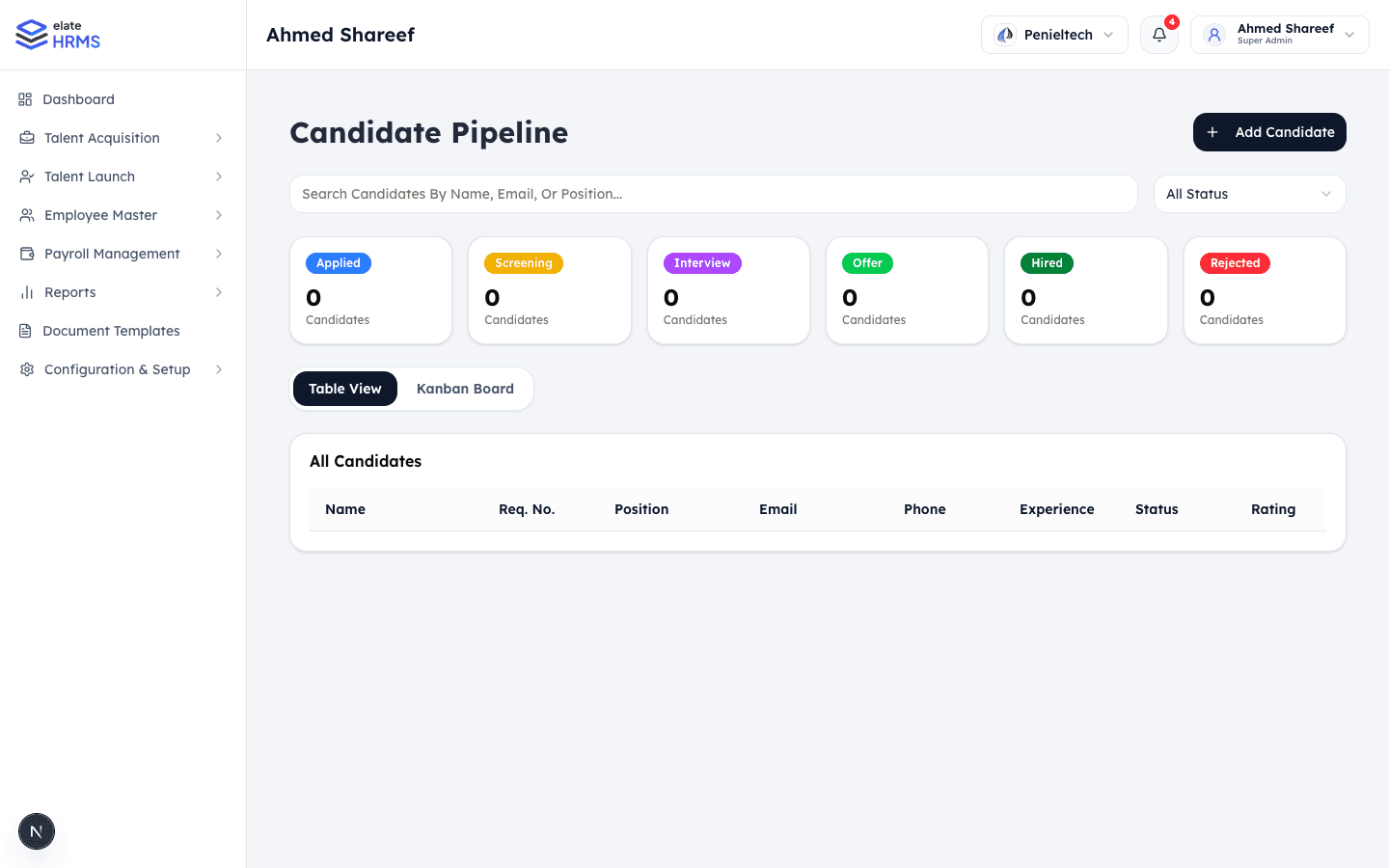
- Add Candidate manually or from applications
- View candidates in Table View or Kanban Board
- Filter by status: Applied, Screening, Interview, Offer, Hired, Rejected
- Search by name, email, or position
- Rate candidates with star ratings
4. Resume Screening (AI)
Use AI-powered resume screening:
- Upload candidate resumes
- AI analyzes and scores candidates against job requirements
- View screening results with match percentages
- Shortlist top candidates automatically
5. Talent Pool
Maintain a pool of potential candidates:
- Add candidates who aren’t matched to current openings
- Tag and categorize for future positions
- Quick access when new positions open
6. Interviews
Schedule and manage interviews:
- Create interview sessions
- Assign interview panels
- Send interview links to candidates
- Track interview feedback and scores
- AI-generated interview questions based on job requirements
7. Offer Management
Extend offers to selected candidates:
- Generate offer letters from templates
- Send offers via email
- Track offer status (sent, accepted, rejected, expired)
- Candidates can respond via a public link
AI Features
The recruitment module includes AI-powered tools:
| Feature | Description |
|---|---|
| Job Description Generator | AI creates professional job descriptions from basic inputs |
| Resume Screening | Automated candidate scoring against job requirements |
| Interview Questions | AI generates role-specific interview questions |
| Content Generation | AI assists with recruitment-related content |