Signing Up
Create your Elate HRMS account to get started.
Creating Your Account
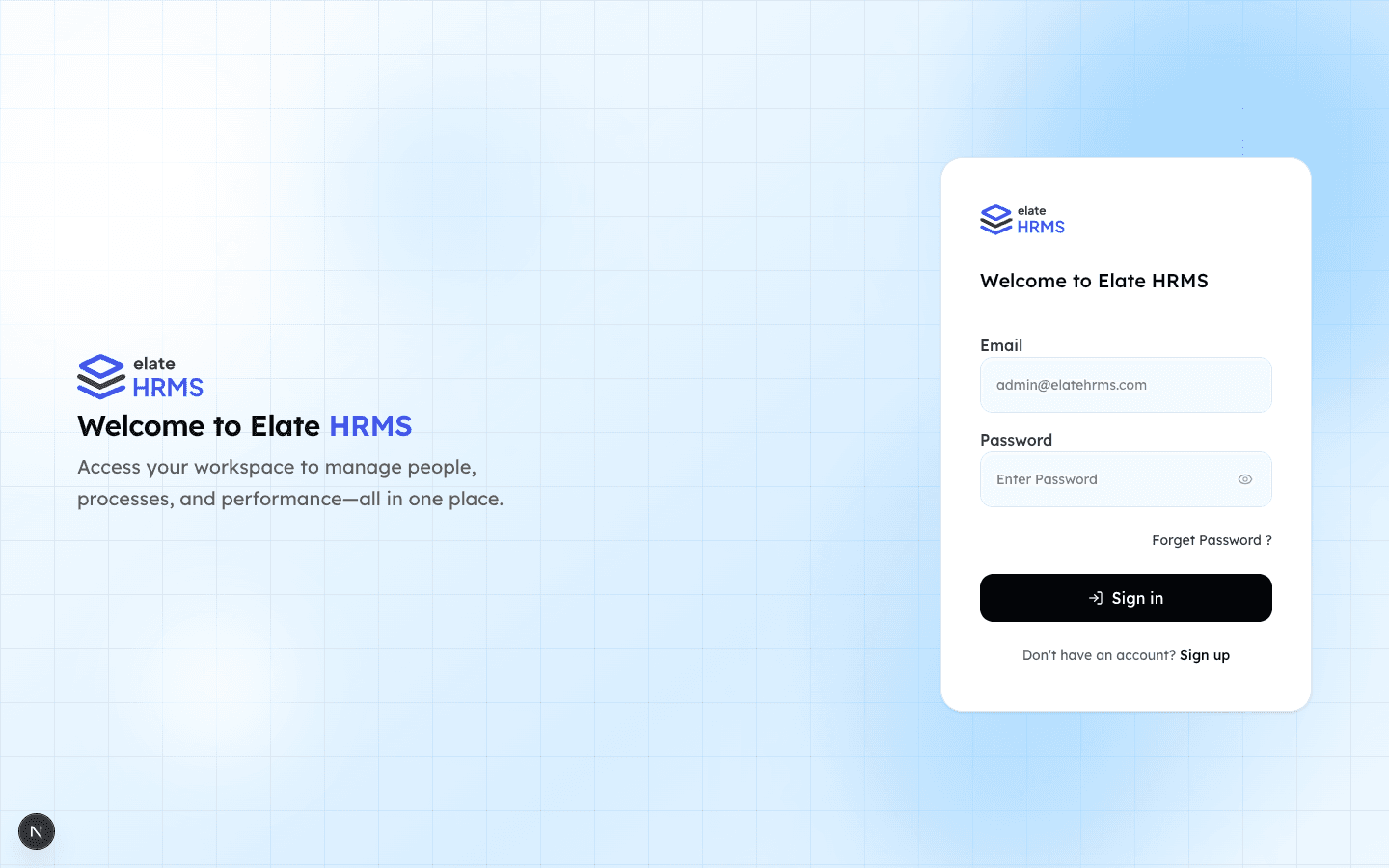
- Navigate to the Elate HRMS login page
- Click “Sign up” at the bottom of the login form
- Enter your details:
- Full Name — Your display name in the system
- Email — This becomes your login credential
- Password — Must be strong (mix of uppercase, lowercase, numbers, special characters)
- Click Sign Up to create your account
After Sign Up
After creating your account, you’ll be redirected to the plan selection page where you choose your subscription tier. Your account is created immediately, but you need an active subscription to access the dashboard.
Password Requirements
Passwords are hashed using scrypt for security. Choose a strong password that you won’t forget — you can always reset it using the “Forget Password?” link on the login page.
Last updated on