Loan & Advance
The Loan & Advance module allows employees to apply for loans and salary advances, with automated repayment tracking through payroll deductions.
Required Plan: Pro or Premium
Dashboard
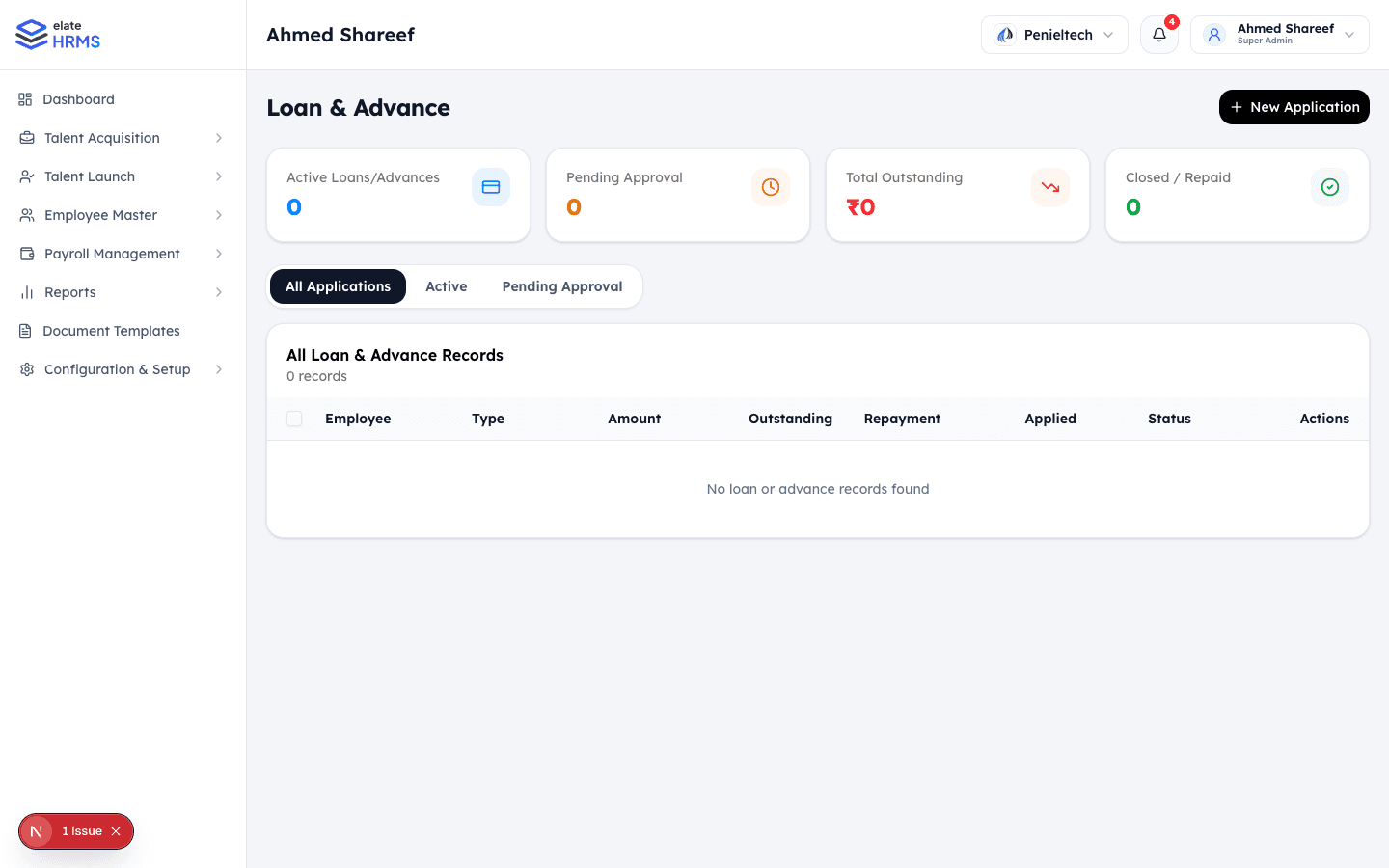
The Loan & Advance page shows:
- Active Loans/Advances — Currently active with outstanding balances
- Pending Approval — Applications awaiting review
- Total Outstanding — Sum of all outstanding loan amounts
- Closed / Repaid — Fully repaid loans
Loan Types
Configure loan types under Configuration & Setup → Payroll Management → Loan Types:
- Salary Advance
- Personal Loan
- Emergency Loan
- Custom loan types
Each type has:
- Name and description
- Maximum amount limit
- Maximum repayment period
- Interest rate (if applicable)
Application Process
Submitting an Application
- Navigate to Loan & Advance
- Click + New Application
- Fill in:
- Loan type
- Amount requested
- Repayment period (months)
- Reason for the loan
- Submit for approval
Approval Workflow
- Applications go to HR/Admin for review
- Reviewer can approve, reject, or request modifications
- Approved loans generate a repayment schedule
Repayment
- Repayment installments are automatically deducted during payroll processing
- View repayment schedule for each loan
- Track paid vs remaining installments
- Defer option allows postponing a monthly installment
Tabs
| Tab | Description |
|---|---|
| All Applications | View all loan/advance records |
| Active | Currently active loans with outstanding balance |
| Pending Approval | Applications awaiting review |
Last updated on