Onboarding (Talent Launch)
The Talent Launch module streamlines the process of bringing new hires into your organization — from offer acceptance through first-day setup.
Required Plan: Pro or Premium
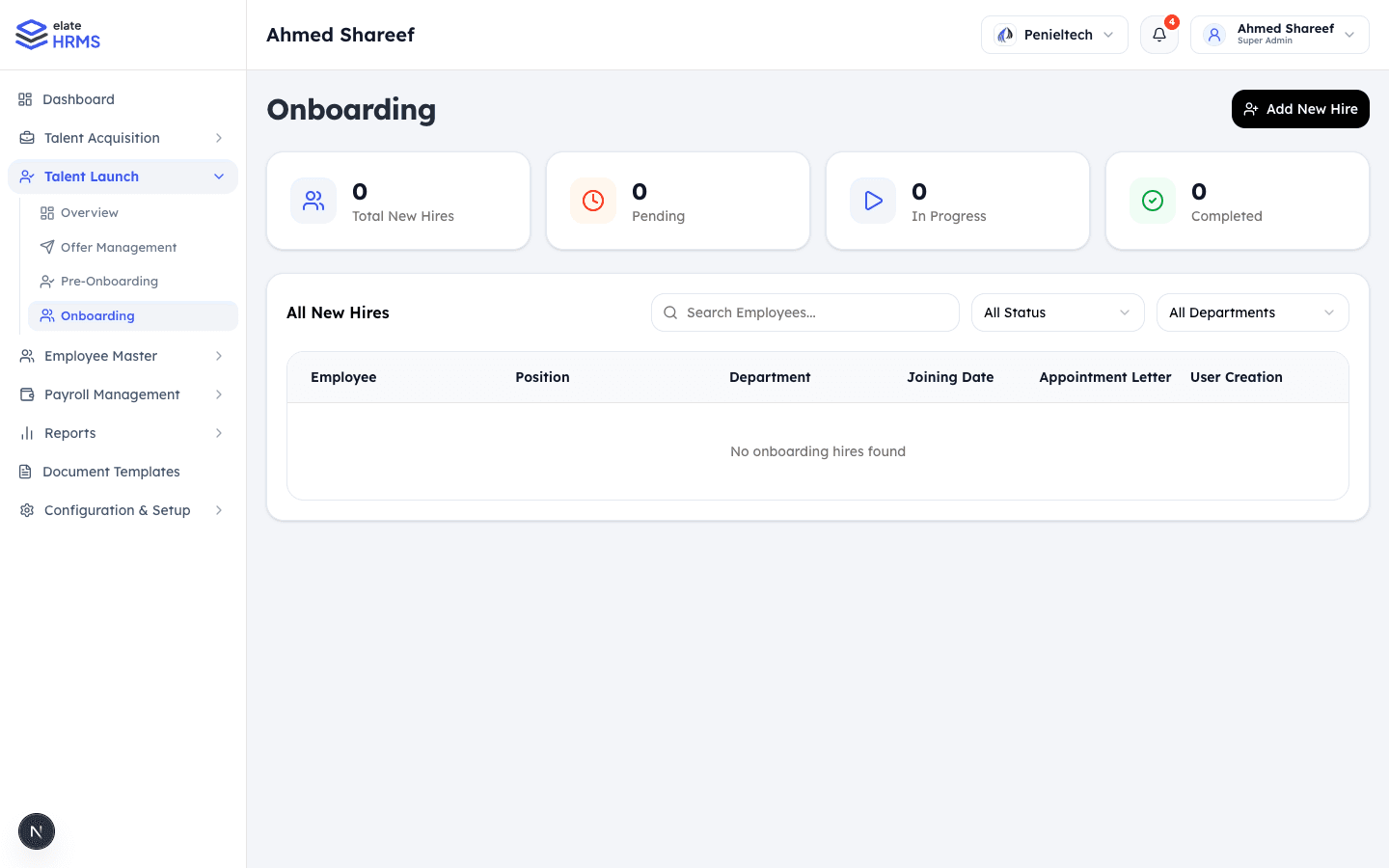
Dashboard
The Talent Launch section is organized into sub-pages:
Overview
High-level view of onboarding activity:
- Total New Hires — All candidates in onboarding
- Pending — Awaiting action
- In Progress — Actively being onboarded
- Completed — Fully onboarded employees
Offer Management
Manage candidate offers:
- View all offers with status tracking
- Send offer letters via email
- Track responses (accepted, rejected, pending)
- Resend or revoke offers
Pre-Onboarding
Prepare new hires before their start date:
- Collect required documents
- Send appointment letters
- Set up system access
- Assign equipment/assets
Onboarding
The main onboarding workflow:
| Column | Description |
|---|---|
| Employee | New hire name and details |
| Position | Job title they were hired for |
| Department | Assigned department |
| Joining Date | Expected start date |
| Appointment Letter | Status of appointment letter (sent, signed) |
| User Creation | Whether a system user account has been created |
Onboarding Workflow
- Candidate accepts offer → Appears in Talent Launch
- HR sends appointment letter → Candidate reviews via public link
- Document collection → Candidate uploads required documents
- User account creation → HR creates login credentials
- Employee record creation → Convert candidate to full employee
- Completed → Employee is fully onboarded and active
Appointment Letters
Candidates receive a public link to:
- View their appointment letter as a PDF
- Upload required documents
- Accept the appointment terms
These links work without authentication, making it easy for candidates to complete their onboarding tasks before their first day.
Converting Candidates to Employees
Once onboarding is complete:
- Click on the candidate in the Onboarding list
- Select Convert to Employee
- Verify and complete employee details
- The candidate becomes a full employee record in the system
Last updated on