Document Templates
The Document Templates module allows you to create reusable templates for offer letters, appointment letters, and other HR documents with dynamic merge fields.
Dashboard
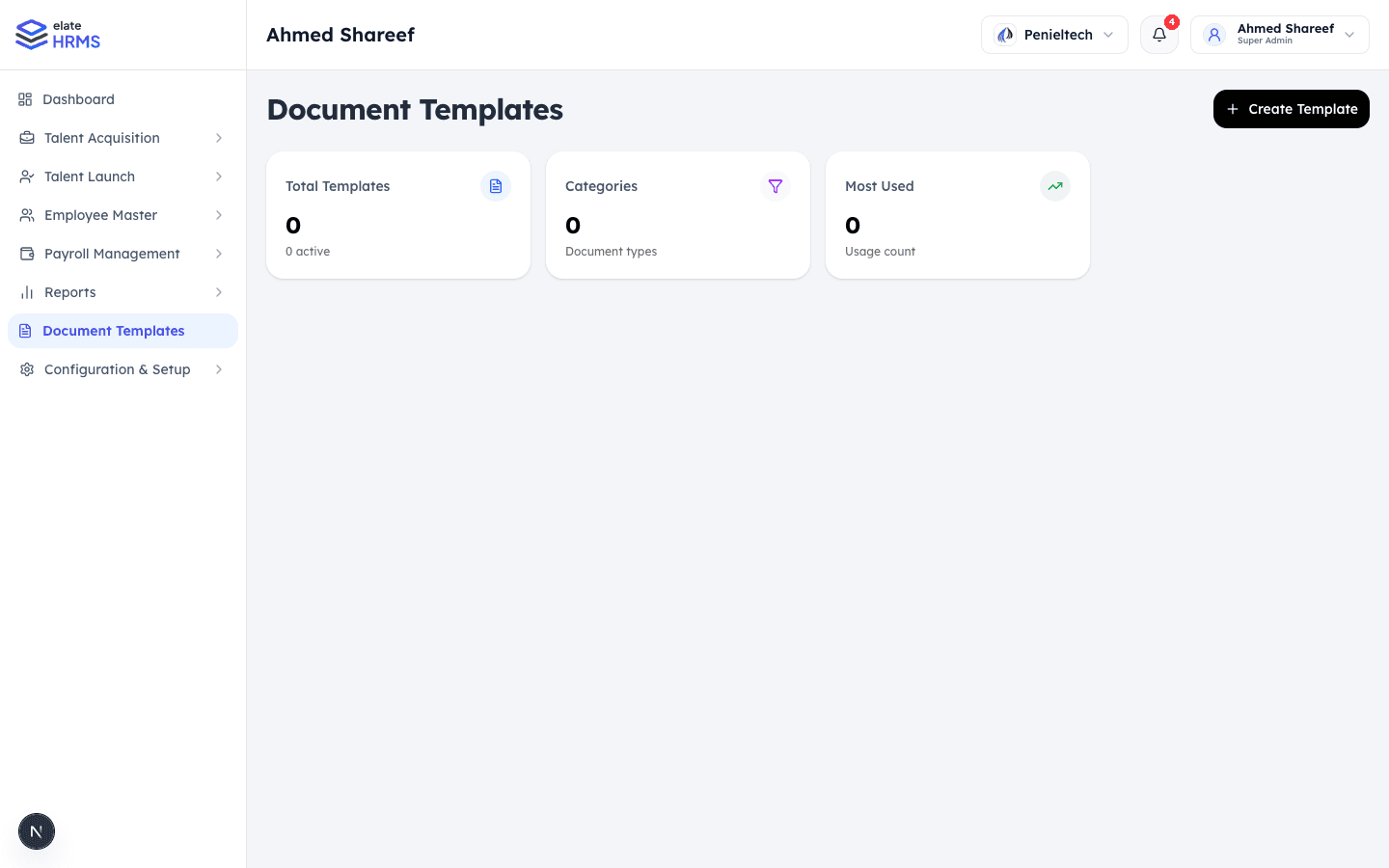
The Document Templates page shows:
- Total Templates — Number of active templates
- Categories — Document type classifications
- Most Used — Usage count across the organization
Creating a Template
- Click + Create Template
- Fill in template details:
- Template Name — Descriptive name (e.g., “Standard Offer Letter”)
- Category — Offer Letter, Appointment Letter, Experience Letter, etc.
- Content — Rich text editor with merge field support
- Save the template
Merge Fields
Templates support dynamic fields that are populated with candidate/employee data:
| Field | Description |
|---|---|
{{candidate_name}} | Full name of the candidate |
{{position}} | Job title |
{{department}} | Department name |
{{joining_date}} | Expected start date |
{{salary}} | CTC or salary amount |
{{company_name}} | Your organization name |
{{manager_name}} | Reporting manager |
Using Templates
Templates are used throughout the recruitment and onboarding process:
- Offer Management — Generate offer letters from templates
- Appointment Letters — Send appointment letters to new hires
- PDF Preview — Preview the generated document before sending
PDF Generation
All documents can be generated as PDFs:
- Template content is rendered with actual data
- Company branding (logo, colors) is applied
- Documents can be downloaded or sent via email
Last updated on